
AI 무드보드 제작 프롬프트
업로드한 이미지들을 활용해 세로형 무드보드 콜라주를 제작합니다. 주요 이미지와 디테일 이미지를 비대칭 모듈형 레이아웃으로 배치하고, 이미지 수에 따라 패널의 개수와 비율을 자연스럽게 조절합니다. 각 이미지의 색온도, 밝기, 대비와 채도를 섬세하게 통일해 서로 다른 사진도 하나의 일관된 무드로 연결합니다. 불필요한 컬러 패널이나 장식 요소 없이 흰색 여백과 정돈된 간격만 사용해 모던하고 프리미엄한 결과물을 만들 수 있습니다.
MODEL
GPT Image 2.0
RATIO
비율 자유
FORMAT
IMAGE
- 01
표현하고 싶은 분위기가 비슷한 이미지를 여러 장 첨부하면 더욱 자연스럽고 통일감 있는 결과를 얻을 수 있습니다. 인물, 공간, 사물, 소재의 디테일 이미지를 적절히 섞어 사용하는 것이 좋습니다. 프롬프트 첫 줄의 [원하는 이미지 비율]을 9:16, 4:5, 1:1 등 필요한 비율로 변경하세요. 이미지가 부족하면 같은 사진을 전체 장면과 클로즈업 버전으로 재사용하며, 이미지가 많으면 가장 중요한 사진이 무엇인지 추가로 지정해 주는 것이 좋습니다.
- 02
무드보드에 들어갈 이미지가 더 필요하다면? 1. 무드보드에 들어갈 레퍼런스 이미지 한 장을 먼저 골라주세요! 2. 고른 이미지를 ChatGPT에 넣고, 이미지의 색감과 키워드를 주고 여러 이미지를 생성해보세요! 예) 내가 보낸 이미지의 무드(“여기에 이미지의 키워드를 직접 적어주세요”), 색감, 재질 등을 참고해서 다양한 이미지를 생성. 비율도 이미지마다 다양해야 함. 구도는 창의적으로, 색감의 Hue는 비슷하게 유지되어야 함. 그외의 요소들은 창의적으로 이미지마다 변경. n=10 3. 만약, 위의 예시 프롬프트를 사용했다면 이미지가 10장 뽑히게 될 거예요! n=”숫자”는 이미지를 한 번에 몇 장 뽑을 것인지 지정하는 프롬프트입니다.
프롬프트 전체 보기
01 ENTRIES 01
01PROMPT 01
AI 무드보드 제작 프롬프트
POSITIVE PROMPT
Aspect ratio: 9:16 Use all uploaded images as the source material. Create a single clean editorial mood board collage in a portrait 9:16 format. Use a modern minimalist layout with four main collage blocks arranged in a 2x2 grid, generous white outer margins, and clean white gutters between panels. Inside each block, arrange the uploaded images in an asymmetric modular composition using a mix of large hero images and smaller supporting crops. [Layout] - Every visible panel must be filled with an uploaded image. - Do not create empty placeholders, solid-color rectangles, decorative color blocks, gradients, or abstract shapes. - Use only white gutters and white outer margins as empty space. - Adjust the number and proportions of the internal panels to fit the uploaded images naturally. - Do not force unused slots into the layout. [Image Placement] - Place the uploaded images naturally within the collage. - Use smart cropping to keep important subjects and details visible. - Do not stretch, warp, or distort the source images. - If there are more images than available panels, select the strongest and most representative images. - If there are fewer images than needed, reuse selected images as alternate crops, close-ups, or detail views. - Never fill unused space with a color block or blank panel. [Mood Harmonization] - Subtly harmonize differences in lighting, color temperature, contrast, saturation, and brightness so the entire mood board feels cohesive. - Keep every source image recognizable. - Avoid heavy retouching or major visual transformation. - Use tighter crops or detail crops for images that feel less aligned with the overall mood. [Visual Style] - Clean, premium, high-end editorial mood board - Minimal and modern presentation - Soft white or very light neutral background - Crisp panel edges and consistent spacing - Balanced negative space - Polished and presentation-ready [Restrictions] - No text - No titles - No captions - No labels - No typography - No logos - No watermarks - No empty image slots - No pink, coral, or other decorative color panels Final goal: Create one cohesive, elegant mood board in which every collage panel contains an uploaded image and all images feel visually unified within a refined editorial layout.
PDF 다운로드
프롬프트와 사용 순서를 PDF로 간편하게 보관하세요.
로그인한 회원만 받을 수 있습니다.
프롬프트 사용 가이드
모델에 맞는 입력 순서와 생성 과정을 확인하세요.
KEEP EXPLORING
RELATED PROMPTS
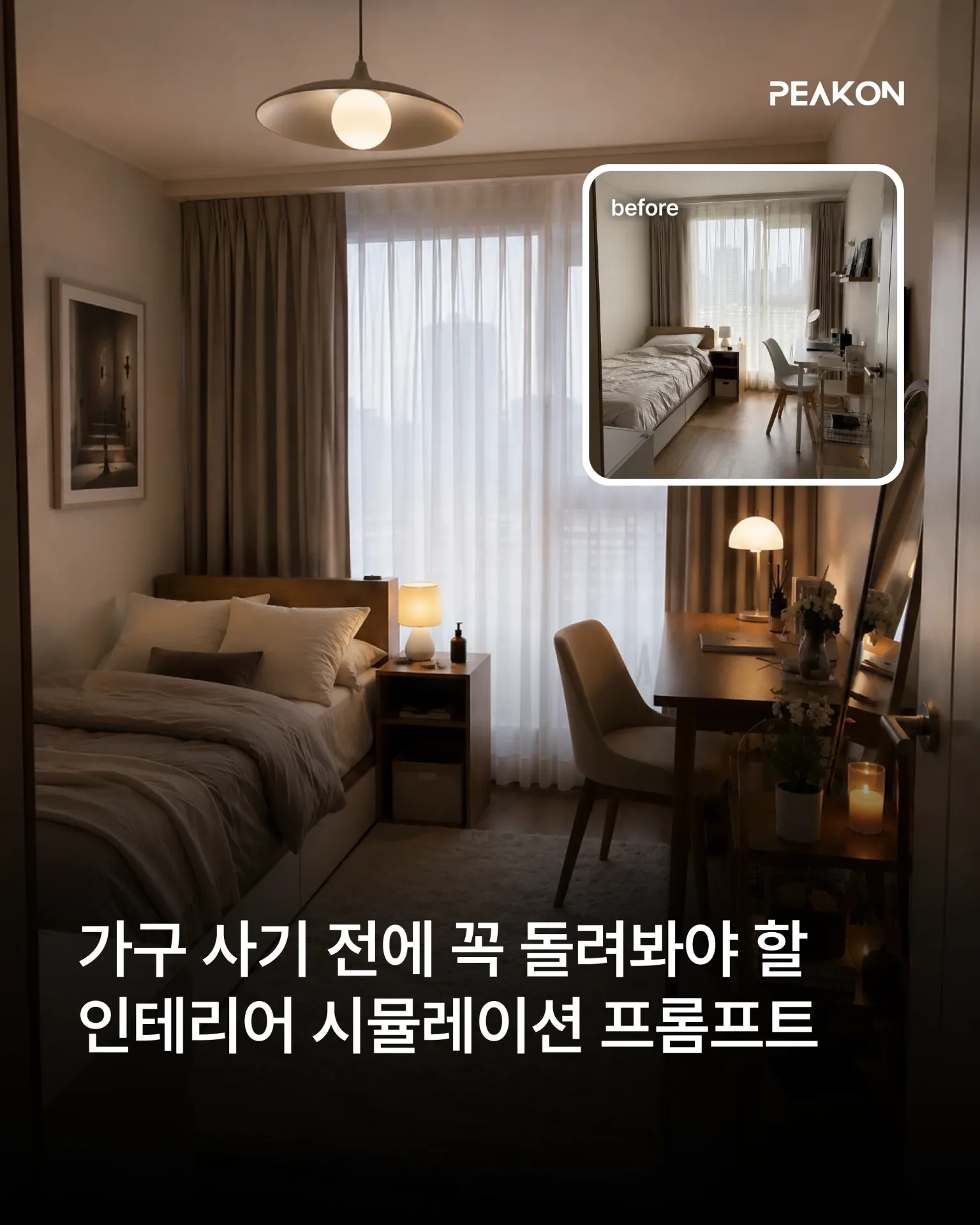
인테리어 시뮬레이션 프롬프트
인물과 가구, 소품, 공간 구조, 구도는 그대로 유지하면서 선택한 인테리어 요소만 원하는 스타일로 변경합니다. 실제 공간에서 해당 요소만 교체한 것처럼 조명과 그림자, 재질, 주변 색감까지 자연스럽게 표현할 수 있습니다.
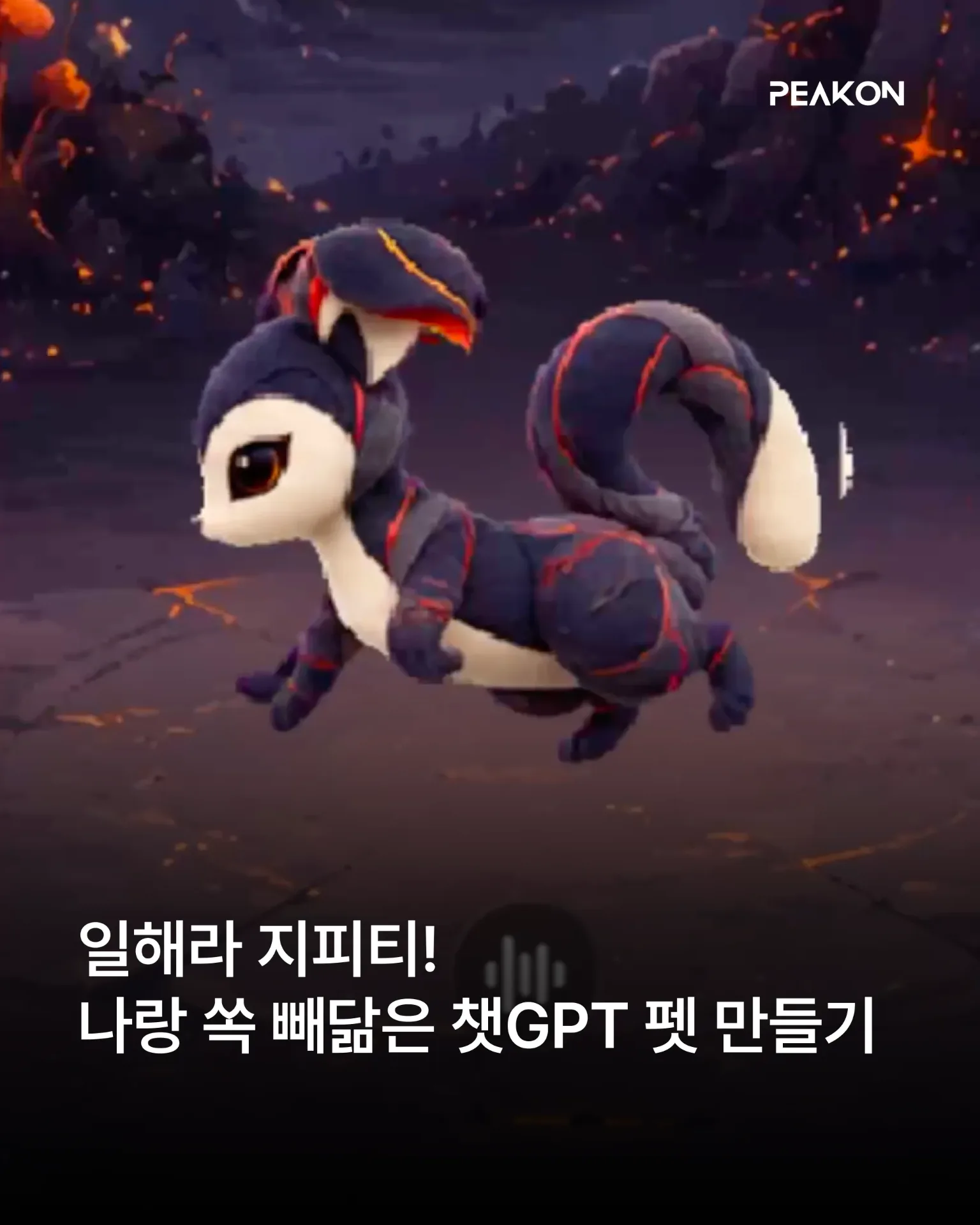
챗GPT 나만의 펫 만들기
사용자의 취향과 말투, 업무 방식, 성격 등을 분석해 독창적인 Pet 콘셉트를 설계합니다. GPT Image로 마스터 캐릭터와 작업 중·결과 검토 중·입력 대기 중·작업 실패 상태의 에셋을 제작하고, 캐릭터 일관성과 애니메이션 품질을 검수한 뒤 Pet 등록·적용·활성화까지 요청합니다.
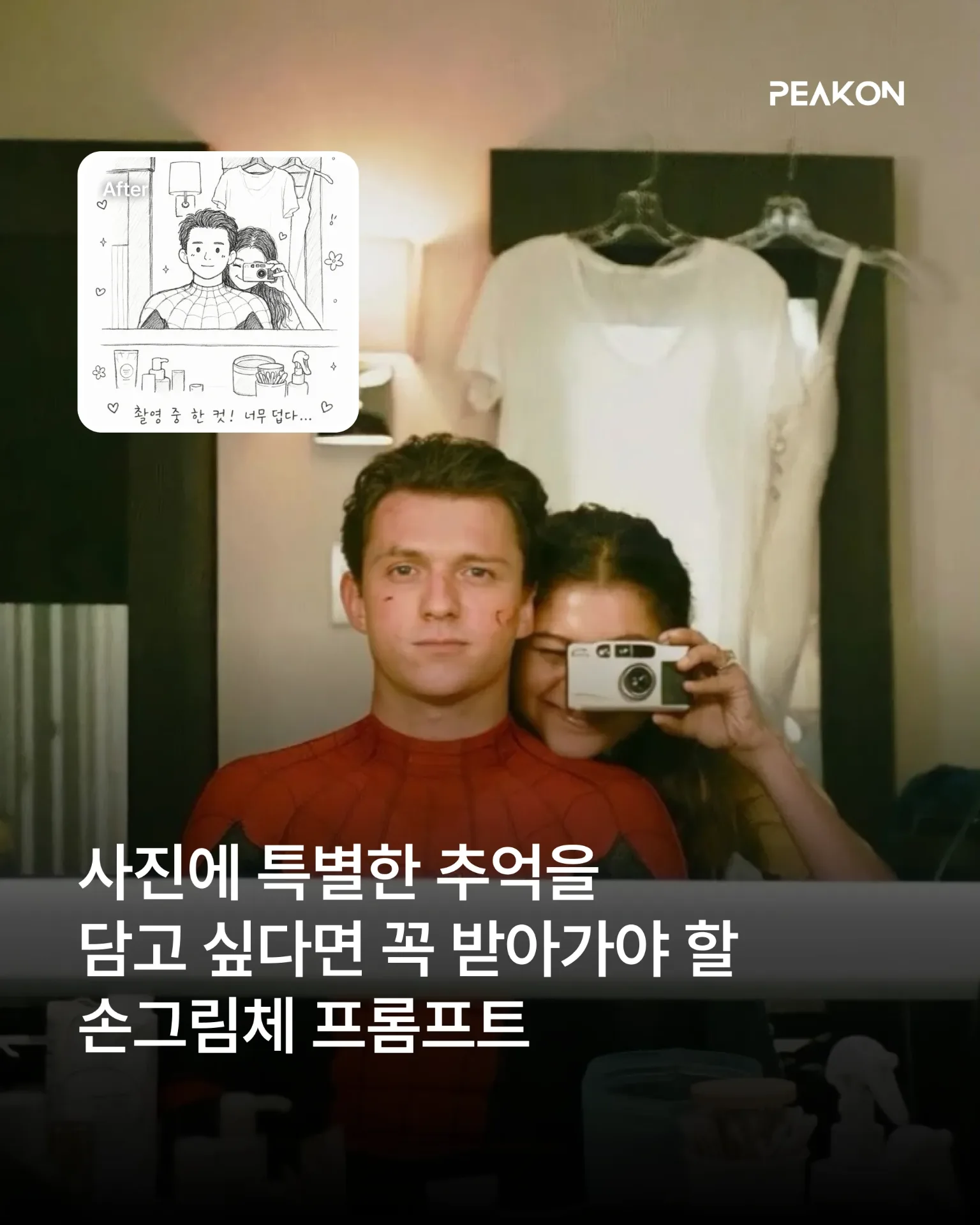
손그림체 프롬프트 모음
어린아이 낙서 그림체: 인물의 특징을 느슨하게 유지하면서 삐뚤어진 선, 어색한 비율, 거친 색칠을 활용해 3~4세 아이가 그린 듯한 크레용 그림으로 변환합니다. 흑백 그림 일기: 인물의 표정과 포즈를 귀여운 흑백 선화로 단순화하고, 날짜와 짧은 문장·손그림 장식을 더해 실제 그림 일기처럼 표현합니다.