
GPT 헤어스타일 변경 프롬프트
첫 번째 이미지를 인물과 얼굴의 기준으로 사용하고, 두 번째 이미지는 오직 헤어스타일 참고용으로만 활용합니다. 머리 길이, 커트 형태, 앞머리, 가르마, 볼륨, 질감과 실루엣을 반영하면서 얼굴·표정·메이크업·의상·포즈·배경·조명은 변경하지 않도록 설계했습니다. 새로운 헤어스타일이 자신에게 어울리는지 미리 확인할 때 유용합니다.
MODEL
GPT Image 2.0
RATIO
비율 자유
FORMAT
IMAGE
프롬프트 전체 보기
01 ENTRIES 01
PROMPT 01
헤어 스타일 변경 프롬프트
얼굴이 잘 보이는 본인 사진을 1번 이미지로, 원하는 헤어스타일 사진을 2번 이미지로 업로드한 뒤 프롬프트를 입력하세요.
POSITIVE PROMPT
Edit the first uploaded image using the second uploaded image only as a hairstyle reference. [INPUT ASSIGNMENT] - Image 1: base image and absolute identity reference - Image 2: hairstyle reference only [EDIT] Change only the hair of the person in Image 1. Match the hairstyle in Image 2 as closely as possible. Preserve the hairstyle's visible cut, length, silhouette, bangs, parting, volume, texture, strand direction, and overall shape. If Image 2 shows a wig, mannequin, or hairstyle sample, use only the hairstyle itself as the reference and ignore the mannequin, face, and background. Do not invent or keep a bun, braid, updo, curls, tendrils, or extra styling unless those details are clearly visible in Image 2. Fit the hairstyle naturally to the person's original head shape, hairline, face angle, and lighting. Keep realistic hair texture, soft shadows, natural flyaways, and believable strand flow. [PRESERVE] Keep the face and identity from Image 1 unchanged, including facial features, face shape, eyes, eyebrows, nose, lips, skin tone, expression, makeup, age appearance, and facial proportions. Also preserve the original body proportions, pose, outfit, accessories, background, composition, camera angle, and lighting. Do not beautify, reshape, retouch, or modify anything except the hair.
PDF 다운로드
프롬프트와 사용 순서를 PDF로 간편하게 보관하세요.
로그인한 회원만 받을 수 있습니다.
프롬프트 사용 가이드
모델에 맞는 입력 순서와 생성 과정을 확인하세요.
KEEP EXPLORING
RELATED PROMPTS
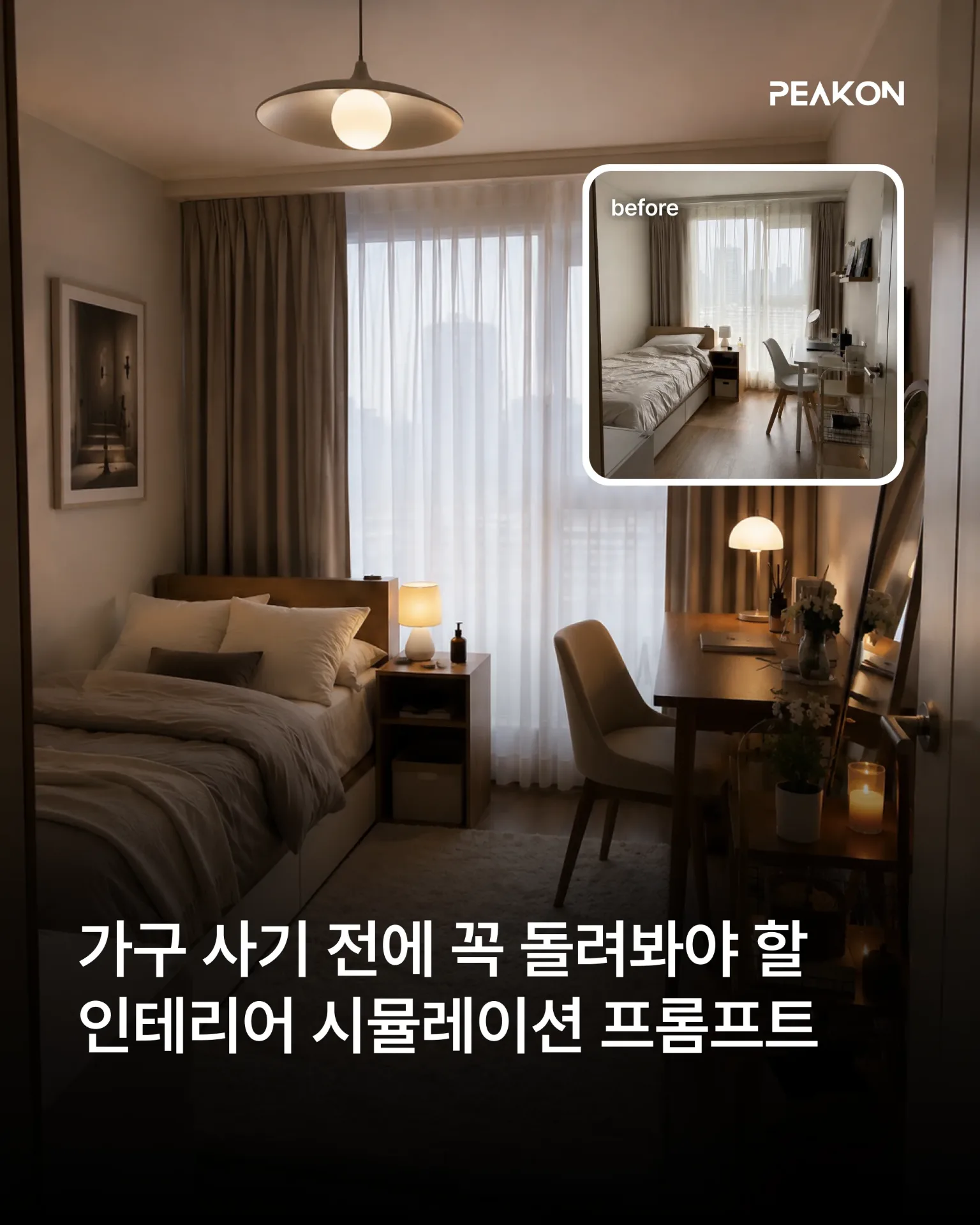
인테리어 시뮬레이션 프롬프트
인물과 가구, 소품, 공간 구조, 구도는 그대로 유지하면서 선택한 인테리어 요소만 원하는 스타일로 변경합니다. 실제 공간에서 해당 요소만 교체한 것처럼 조명과 그림자, 재질, 주변 색감까지 자연스럽게 표현할 수 있습니다.
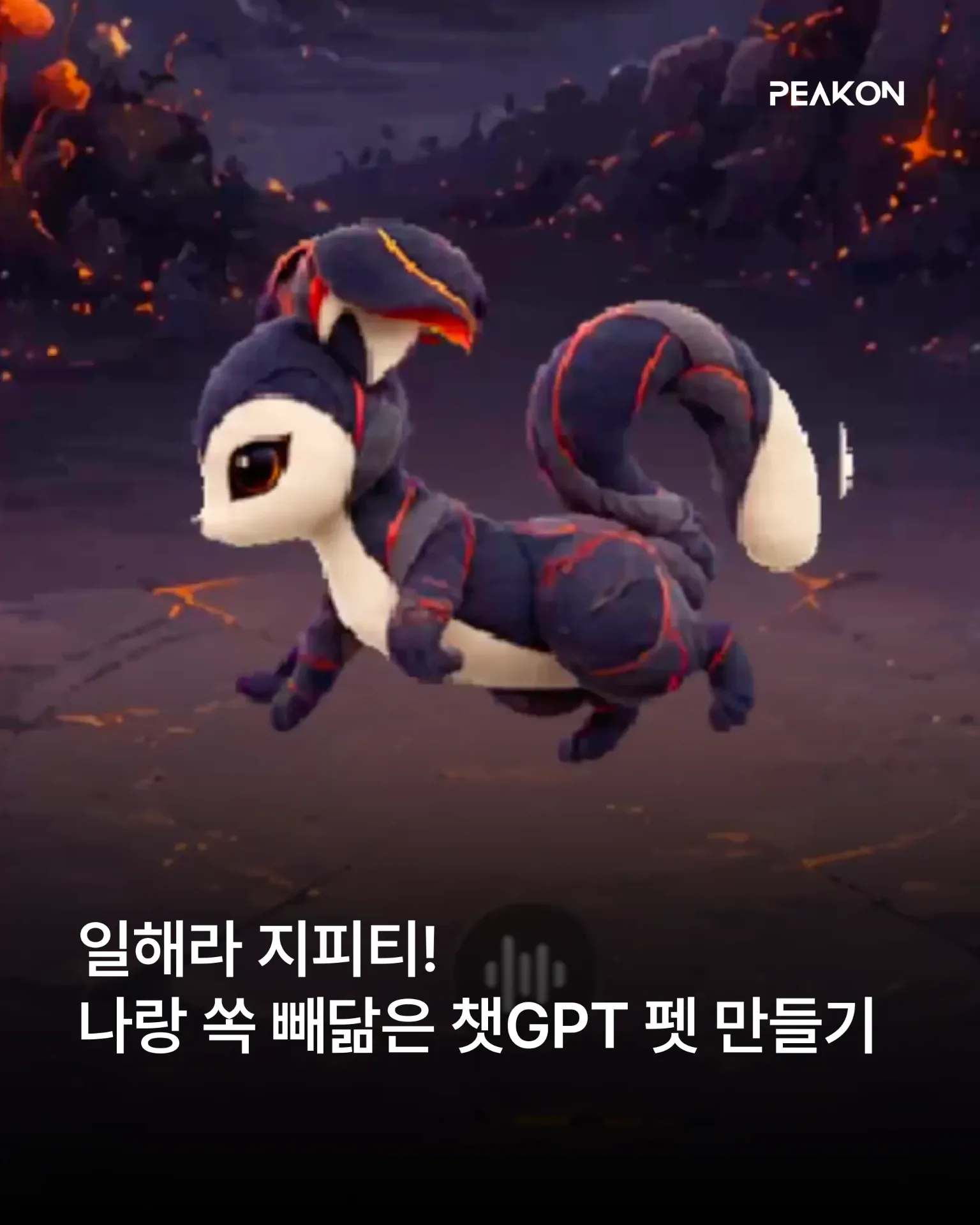
챗GPT 나만의 펫 만들기
사용자의 취향과 말투, 업무 방식, 성격 등을 분석해 독창적인 Pet 콘셉트를 설계합니다. GPT Image로 마스터 캐릭터와 작업 중·결과 검토 중·입력 대기 중·작업 실패 상태의 에셋을 제작하고, 캐릭터 일관성과 애니메이션 품질을 검수한 뒤 Pet 등록·적용·활성화까지 요청합니다.
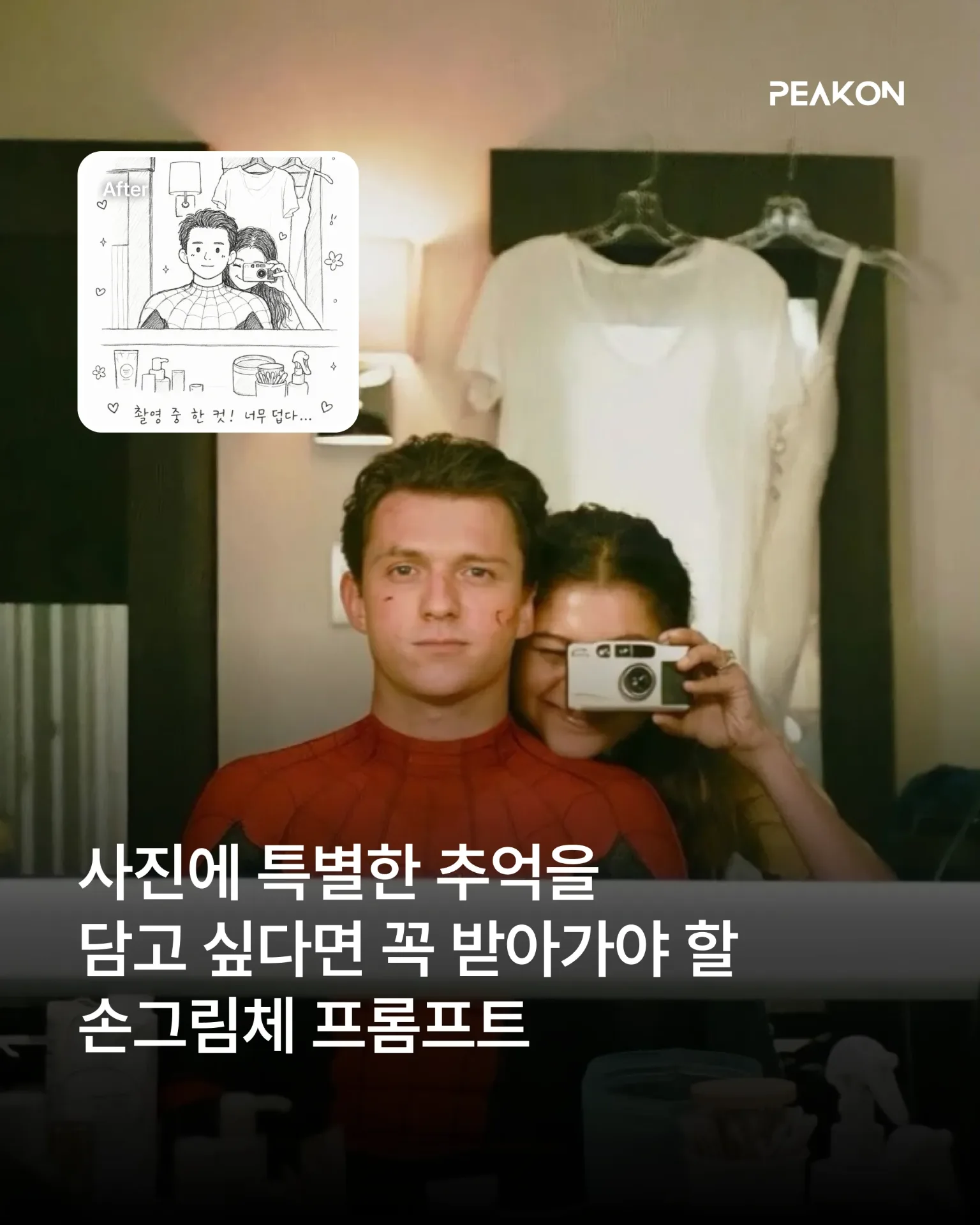
손그림체 프롬프트 모음
어린아이 낙서 그림체: 인물의 특징을 느슨하게 유지하면서 삐뚤어진 선, 어색한 비율, 거친 색칠을 활용해 3~4세 아이가 그린 듯한 크레용 그림으로 변환합니다. 흑백 그림 일기: 인물의 표정과 포즈를 귀여운 흑백 선화로 단순화하고, 날짜와 짧은 문장·손그림 장식을 더해 실제 그림 일기처럼 표현합니다.