
GPT 이미지 사진 보정 프롬프트
사진의 인물과 원래 분위기는 유지하면서 품질을 자연스럽게 개선할 수 있는 프롬프트를 담았습니다. 흔들리거나 초점이 맞지 않은 사진을 선명하게 보정하고, 골든아워 특유의 따뜻한 색감을 더할 수 있습니다. 손상된 옛날 사진을 현대적인 품질로 복원하거나 배경에 우연히 촬영된 사람을 자연스럽게 제거하는 등 일상적인 사진 편집에 활용하기 좋습니다.
MODEL
GPT Image 2.0
RATIO
비율 자유
FORMAT
IMAGE
- 01
사진 흔들림 보정 : 피사체가 누구인지 알아볼 수 있을 정도의 흔들린 사진에 사용하세요. 움직임이 너무 심하거나 얼굴 형태가 완전히 사라진 이미지는 정확하게 복원하기 어려울 수 있습니다.
- 02
골든아워 색 보정 : 야외에서 촬영한 인물 사진이나 풍경 사진에 사용하면 효과적입니다. 원본의 조명 방향이 분명할수록 따뜻한 햇빛과 자연스러운 그림자를 표현하기 좋습니다.
- 03
옛날 사진 복원 : 오래된 사진을 가능한 한 평평하게 스캔하거나 밝은 곳에서 정면으로 촬영해 첨부하세요. 구겨짐과 반사가 적을수록 얼굴과 의상 디테일을 정확하게 복원할 수 있습니다.
- 04
뒷배경 사람 제거 : 남겨야 할 주인공과 제거할 배경 인물이 명확하게 구분된 사진을 사용하세요. 특정 인물만 제거하고 싶다면 위치나 의상 색상을 프롬프트에 함께 적어주는 것이 좋습니다.
프롬프트 전체 보기
04 ENTRIES 01
01PROMPT 01
사진 보정 프롬프트
POSITIVE PROMPT
Fix the blur and lack of focus in this uploaded photo while keeping the subject, scene, composition, and all content completely unchanged. Identify the type of blur present - motion blur from camera shake, subject motion blur from the subject moving, or focus blur from the camera focusing on the wrong plane - and correct it appropriately. Sharpen the entire image to restore crisp detail and clarity - facial features should become clearly defined with sharp edges on the eyes, eyebrows, lips, and jawline. Text in the background should become readable if it is slightly soft. Fabric textures, hair strands, and fine details should become visible and defined. Reduce any motion blur streaking so that edges are clean and stationary-looking. If the background was intentionally blurred with depth of field, preserve that creative blur while sharpening only the intended subject. Do not over-sharpen to the point of creating unnatural halos, crunchy artifacts, or noise amplification - the sharpening should look natural as if the photo was simply taken in perfect focus with a steady hand. Skin texture should be enhanced to be realistic and detailed, not smoothed. The final result should look like the photo was captured in perfect focus with no camera shake - sharp, clear, detailed, and properly focused on the intended subject.
 02
02PROMPT 02
골든 아워 색 보정
POSITIVE PROMPT
Front-side sunlight, fully preserving every original detail of the photo without changes, except for the lighting and overall color atmosphere. Use soft, natural late-afternoon sunlight rather than an intense golden-hour effect. Keep the warmth subtle and realistic, with a gentle warm tone on the subject and surroundings instead of a strong orange or yellow cast. Make the direction of the sunlight physically consistent: - the light should come from a clear front-side angle - highlights, facial illumination, shadows, rim light, and reflections must all follow the same direction - avoid conflicting or unnatural light sources Adjust the sky so it naturally matches the late-afternoon lighting: - do not leave the sky overly bright or strongly blue - add only a subtle warm tint near the horizon, such as soft peach or pale pink - keep some natural blue in the upper sky - avoid dramatic sunset colors, intense orange skies, or exaggerated golden-hour effects Enhance loose strands of hair naturally where they catch the side or backlight. Strengthen facial definition with subtle high-detail enhancement without altering the subject’s identity, expression, proportions, or facial features. Strict rule: - Do not change the face - Do not change the hairstyle or hair structure - Do not change the background structure - Do not change the composition, framing, pose, clothing, or objects - Change only the lighting direction, subtle sky color, and overall color atmosphere Final result: natural late-afternoon light, soft warmth, believable sky, realistic directional lighting, no strong golden filter, no excessive orange tint, and no overly blue sky.
 03
03PROMPT 03
옛날 사진 복원
POSITIVE PROMPT
Restore this photo by repairing all age-related damage, including blur, fading, scratches, tears, folds, stains, worn areas, missing details, and black-and-white or severely faded color. First, analyze the approximate era and original photographic process only to reconstruct historically accurate clothing, faces, objects, architecture, and missing visual details. However, do not preserve the aged photographic color cast, yellowing, sepia tone, faded film look, or vintage camera rendering. The final image should look as though the original historical scene was photographed today with a high-end modern digital camera. Carefully: - remove yellow, brown, green, or sepia color casts caused by aging - neutralize the white balance - restore clean whites, natural blacks, and accurate midtones - reproduce realistic, natural skin tones - recover clear and balanced colors without vintage tinting - increase clarity, micro-contrast, and fine detail - gently sharpen faces, eyes, hair, clothing, and objects - reduce excessive film grain, haze, softness, and analog noise - reconstruct damaged or missing areas with realistic textures - correct exposure, contrast, and dynamic range - prevent washed-out highlights and crushed shadows Preserve the original people, facial identity, pose, clothing, objects, background, perspective, framing, and composition. Do not redesign, modernize, beautify, or alter the historical content of the scene. Render the restored image with: - modern full-frame digital camera color science - neutral and accurate white balance - clean contemporary photographic clarity - realistic skin texture and fabric detail - natural depth and dynamic range - crisp but not oversharpened details - photorealistic professional restoration quality Important restrictions: - no sepia tone - no yellow vintage tint - no nostalgic color grading - no faded film colors - no retro filter - no artificial warm cast - no excessive film grain - no plastic skin - no painterly or AI-generated appearance The historical subject matter must remain authentic, but the image quality, color balance, sharpness, and overall rendering should resemble a recent high-resolution photograph taken with a premium modern digital camera. Upscale to the highest practical resolution while maintaining natural detail and avoiding invented textures or oversharpening.
 04
04PROMPT 04
뒷배경 사람 제거
POSITIVE PROMPT
Remove all people in the background of the uploaded image. Preserve the main subject exactly. Do not change the subject's face, body, clothing, pose, or expression. Reconstruct the background naturally where the people were removed, matching the original location, architecture, lighting, shadows, and depth. Do not crop, blur, or stylize. The result must look as if the photo had originally been taken without people in the background.
PDF 다운로드
프롬프트와 사용 순서를 PDF로 간편하게 보관하세요.
로그인한 회원만 받을 수 있습니다.
프롬프트 사용 가이드
모델에 맞는 입력 순서와 생성 과정을 확인하세요.
KEEP EXPLORING
RELATED PROMPTS
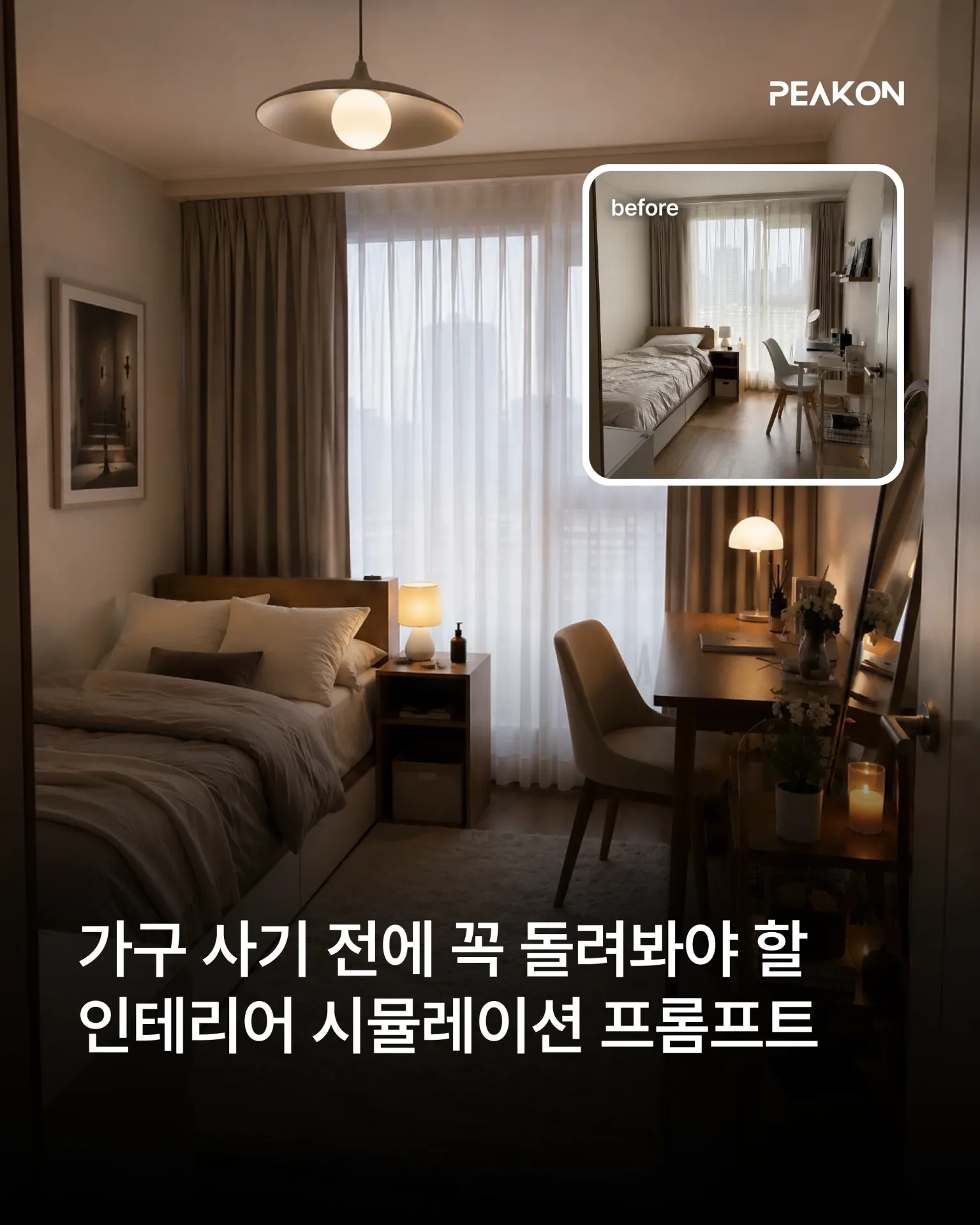
인테리어 시뮬레이션 프롬프트
인물과 가구, 소품, 공간 구조, 구도는 그대로 유지하면서 선택한 인테리어 요소만 원하는 스타일로 변경합니다. 실제 공간에서 해당 요소만 교체한 것처럼 조명과 그림자, 재질, 주변 색감까지 자연스럽게 표현할 수 있습니다.

챗GPT 나만의 펫 만들기
사용자의 취향과 말투, 업무 방식, 성격 등을 분석해 독창적인 Pet 콘셉트를 설계합니다. GPT Image로 마스터 캐릭터와 작업 중·결과 검토 중·입력 대기 중·작업 실패 상태의 에셋을 제작하고, 캐릭터 일관성과 애니메이션 품질을 검수한 뒤 Pet 등록·적용·활성화까지 요청합니다.
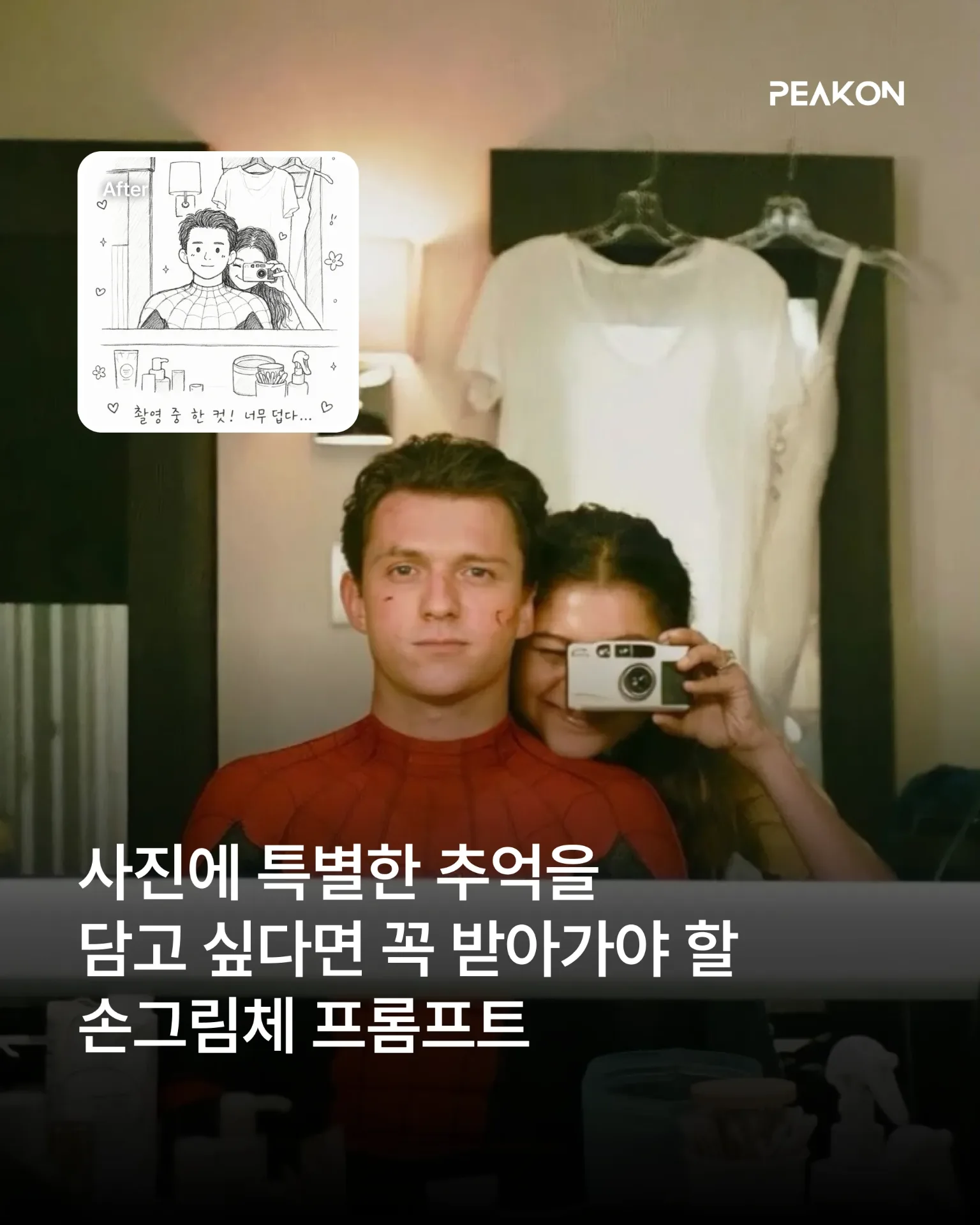
손그림체 프롬프트 모음
어린아이 낙서 그림체: 인물의 특징을 느슨하게 유지하면서 삐뚤어진 선, 어색한 비율, 거친 색칠을 활용해 3~4세 아이가 그린 듯한 크레용 그림으로 변환합니다. 흑백 그림 일기: 인물의 표정과 포즈를 귀여운 흑백 선화로 단순화하고, 날짜와 짧은 문장·손그림 장식을 더해 실제 그림 일기처럼 표현합니다.