
맥북 포토부스 셀카 프롬프트
아이폰으로 실제 맥북 화면을 촬영한 듯한 구도를 생성합니다. 포토부스 창 속 인물 셀카를 중심으로 Apple Music 화면, 맥북 키보드, 화면 반사와 모아레, 따뜻한 조명, 저조도 노이즈 등을 더해 현실적인 데스크 분위기를 표현합니다.
MODEL
GPT Image 2.0
RATIO
9:16
FORMAT
IMAGE
프롬프트 전체 보기
01 ENTRIES 01
PROMPT 01
맥북 포토부스 셀카 프롬프트
얼굴과 헤어스타일이 선명하게 찍힌 인물 사진을 업로드한 뒤 프롬프트를 입력하여 생성!
POSITIVE PROMPT
Ultra-realistic iPhone photo of a MacBook screen, with identity preserved exactly from the reference image. A realistic handheld phone photo taken of an open MacBook screen in a dim bedroom or desk setup. The laptop keyboard is visible at the bottom foreground, slightly out of focus. The MacBook screen fills most of the frame at a slight angle, with visible glare, reflections, screen moiré, and real low-light noise. On the laptop screen, Photo Booth is open in the center. The Photo Booth window shows the subject taking a mirror-style selfie inside the webcam/photo window. The subject is angled sideways in a three-quarter profile, looking off to the left. One hand holds a bright white phone close to the right side of the Photo Booth frame, partially covering the body. Preserve the subject’s identity exactly from the reference image, including facial features, overall impression, and hairstyle. Expression is bored, attractive, and slightly dramatic. Outfit: black sweater. MacBook screen details: - Photo Booth window centered with a dark gray interface - Red camera shutter button at the bottom center of the Photo Booth window - Small thumbnail strip visible in the bottom-right of the Photo Booth window - Apple Music app open behind it on the left side - Album artwork and playlist/sidebar visible behind the Photo Booth window - Desktop dock icons visible along the bottom - Warm lamp glow reflected near the top edge of the screen - Messy textured or fur-pattern wallpaper behind the windows Important: This is NOT just a selfie. It must look like a real iPhone photo taken of a MacBook screen showing Photo Booth. Lighting and image qualities: - Dark cozy bedroom lighting - Warm lamp reflection - Screen glow illuminating the laptop - Slight camera shake - Realistic phone-photo blur - Natural skin texture inside the screen - Realistic laptop pixels - Screen reflections - No beauty filter - No skin smoothing 4K vertical 9:16.
PDF 다운로드
프롬프트와 사용 순서를 PDF로 간편하게 보관하세요.
로그인한 회원만 받을 수 있습니다.
프롬프트 사용 가이드
모델에 맞는 입력 순서와 생성 과정을 확인하세요.
KEEP EXPLORING
RELATED PROMPTS
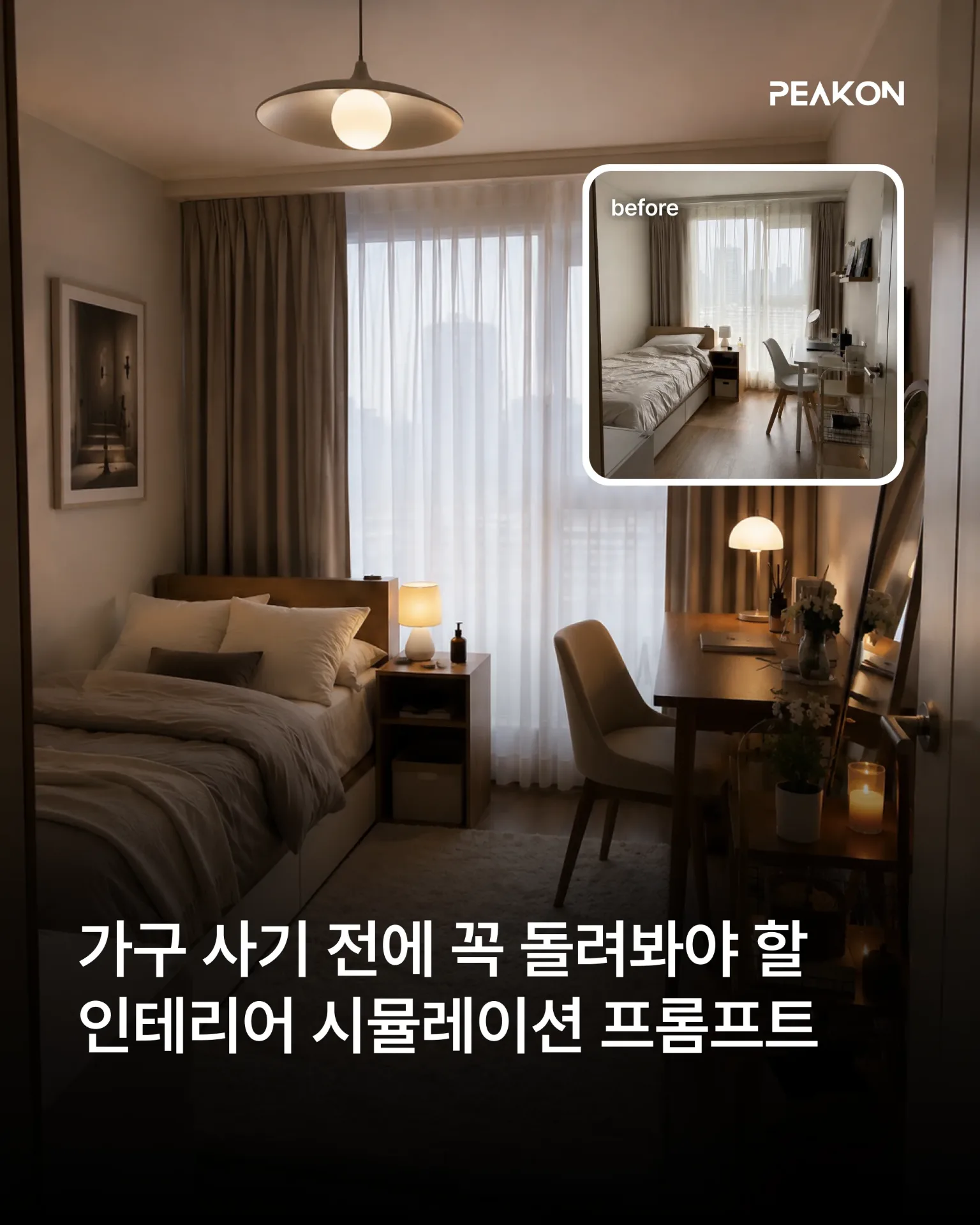
인테리어 시뮬레이션 프롬프트
인물과 가구, 소품, 공간 구조, 구도는 그대로 유지하면서 선택한 인테리어 요소만 원하는 스타일로 변경합니다. 실제 공간에서 해당 요소만 교체한 것처럼 조명과 그림자, 재질, 주변 색감까지 자연스럽게 표현할 수 있습니다.
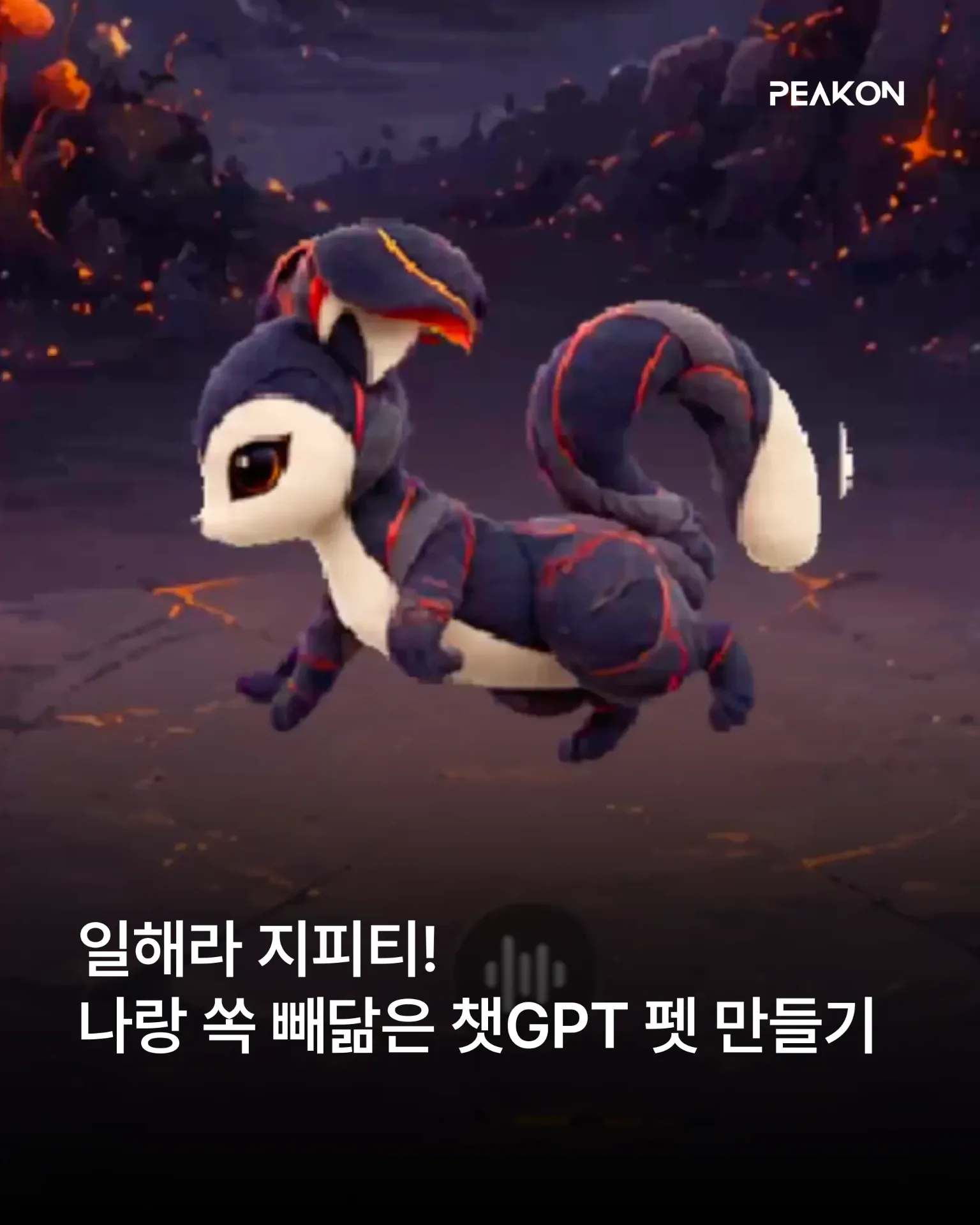
챗GPT 나만의 펫 만들기
사용자의 취향과 말투, 업무 방식, 성격 등을 분석해 독창적인 Pet 콘셉트를 설계합니다. GPT Image로 마스터 캐릭터와 작업 중·결과 검토 중·입력 대기 중·작업 실패 상태의 에셋을 제작하고, 캐릭터 일관성과 애니메이션 품질을 검수한 뒤 Pet 등록·적용·활성화까지 요청합니다.
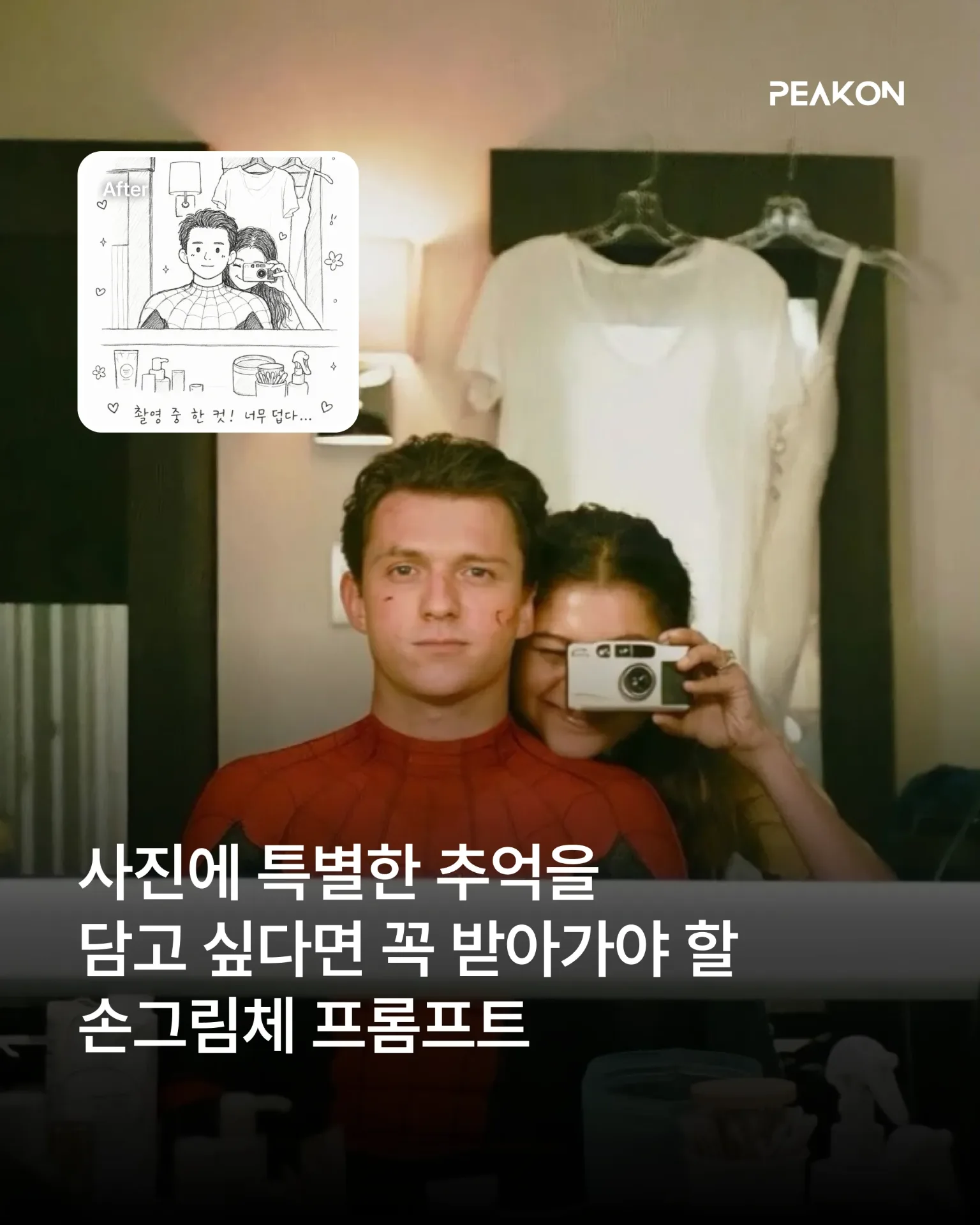
손그림체 프롬프트 모음
어린아이 낙서 그림체: 인물의 특징을 느슨하게 유지하면서 삐뚤어진 선, 어색한 비율, 거친 색칠을 활용해 3~4세 아이가 그린 듯한 크레용 그림으로 변환합니다. 흑백 그림 일기: 인물의 표정과 포즈를 귀여운 흑백 선화로 단순화하고, 날짜와 짧은 문장·손그림 장식을 더해 실제 그림 일기처럼 표현합니다.